Pushing Boundaries: 3D Artist Gergő Pfeiffer's Bold Creativity
In our recent student pricing promotion, we had the pleasure of highlighting the work of Gergő Pfeiffer, a Budapest-based Hungarian 3D artist whose stylish and boundary-pushing creativity perfectly captures the trendsetting spirit we wanted to share with aspiring creators.
Software Used:
Blender – Modeling & Final Rendering
Marvelous Designer – Cloth Simulation & Animation
Substance Painter – Texturing
Artist Introduction
Hi, I'm Gergő Pfeiffer, a Hungarian 3D artist currently based in Budapest.
I studied graphic design originally, but over the past few years, I have worked mainly as a freelance artist on fashion and product-related CG work, directly for clients or through studios.
My main area of expertise is digital garment creation and texture-driven work, but I'm always trying to pick up new skills.
I also create character- and environment-driven personal projects that I showcase on my socials.
Which projects would you want to show us today?
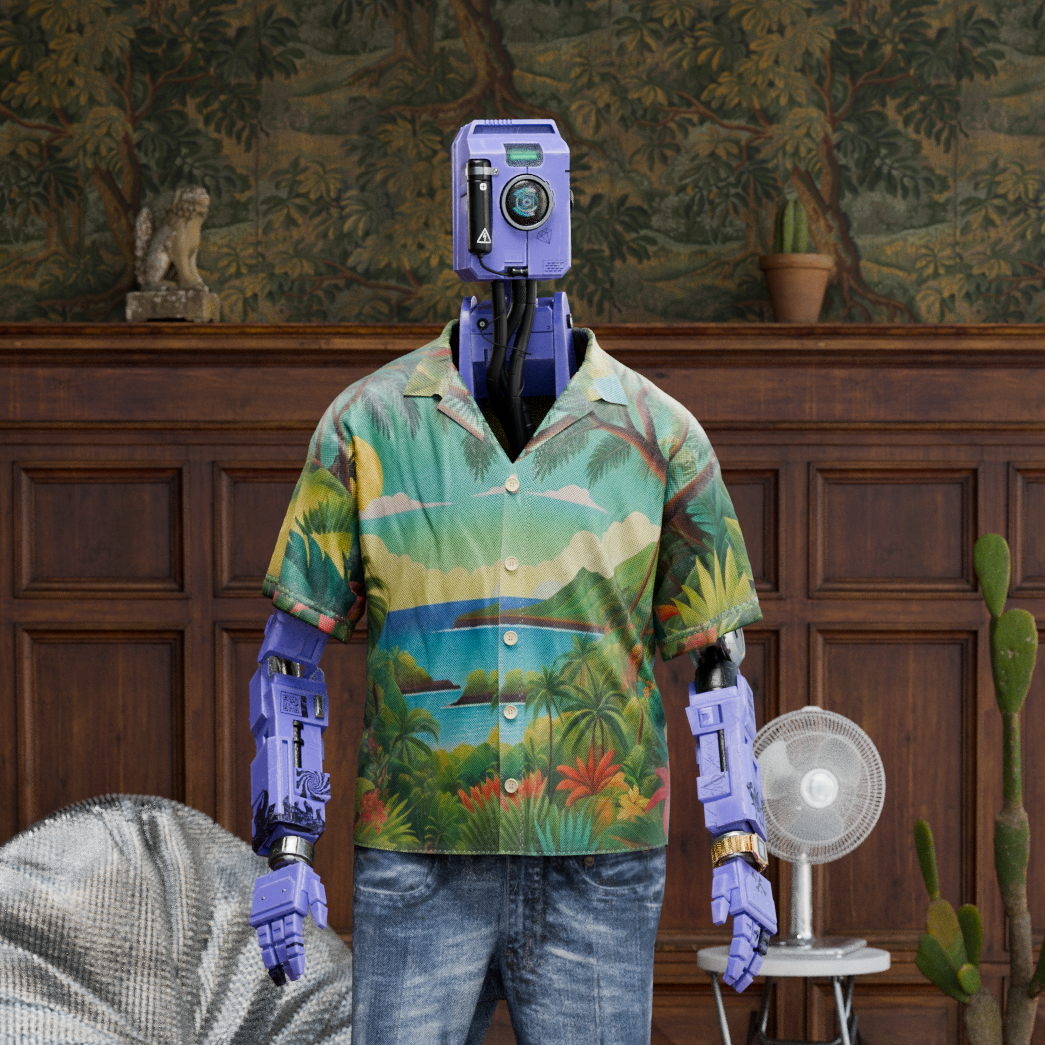
The first one is a character and environment exploration titled “Holiday time.” It was a fun personal project, and I really like how the whole piece turned out in the end, especially the colors and composition.
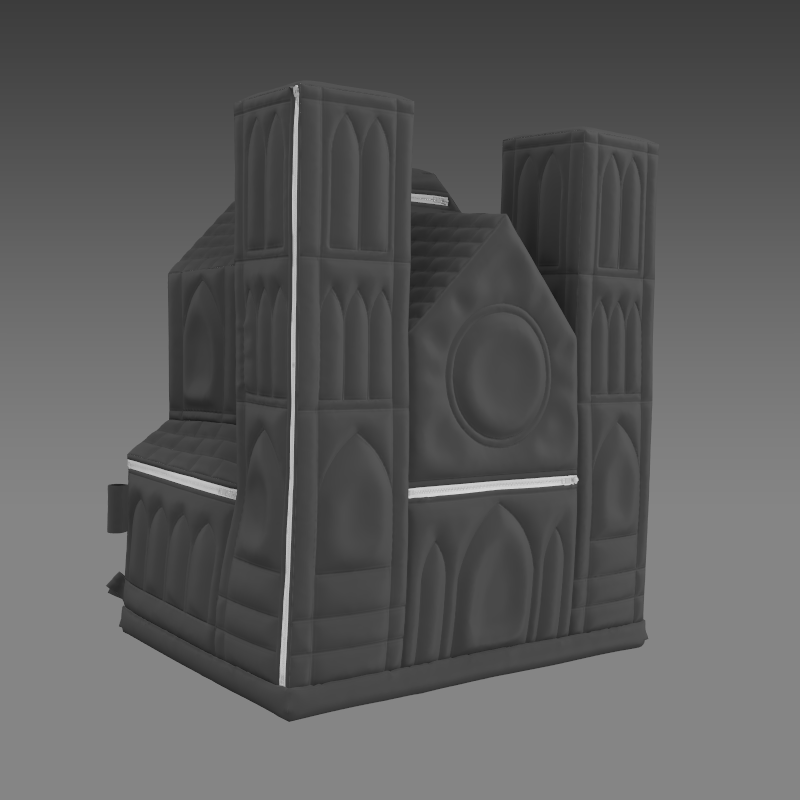
The second project is the “Black Cathedral Backpack,” which was an idea I had wanted to bring to life for a while. I've made bags and backpacks in Marvelous Designer before, but nothing quite this complex. I was really happy with how it turned out.
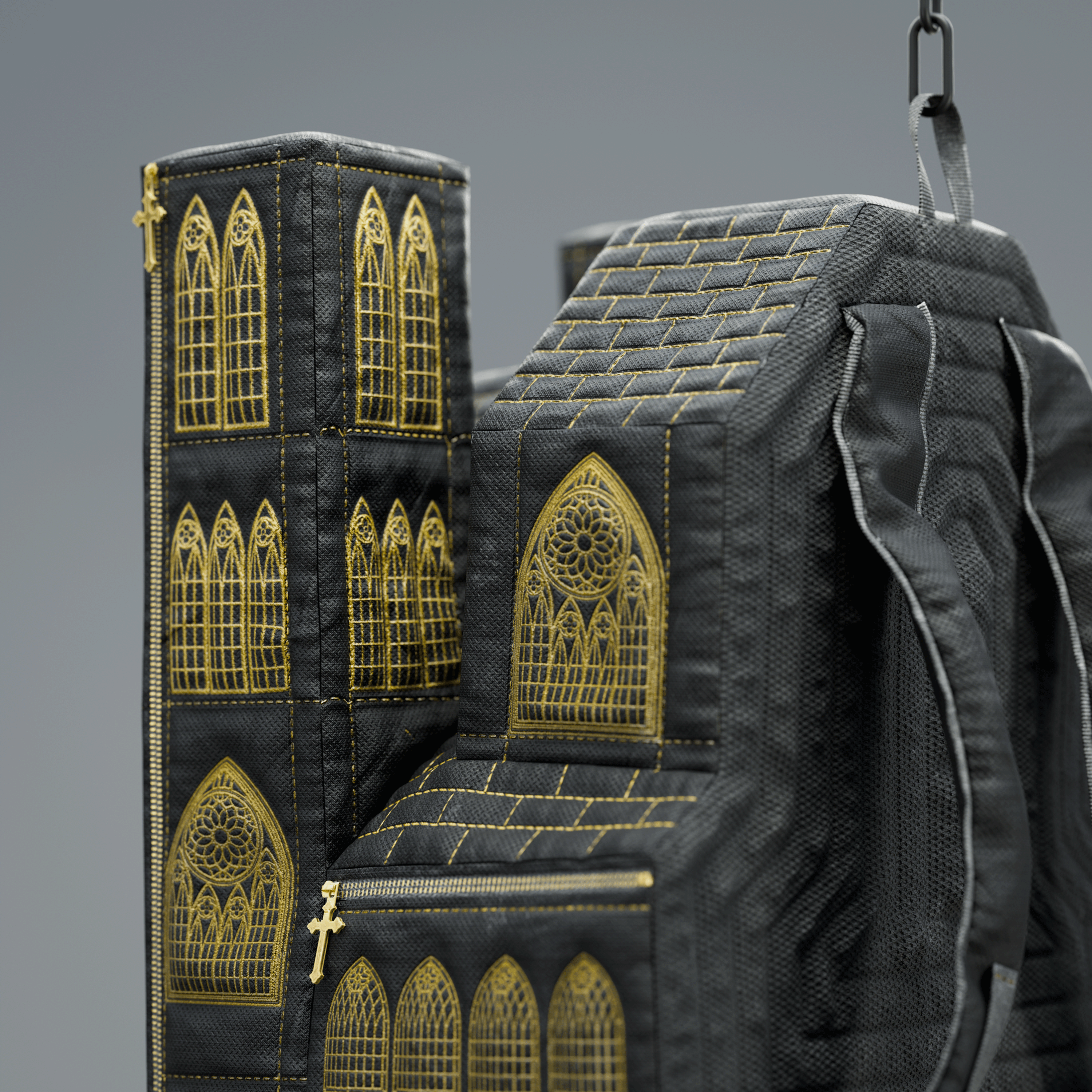
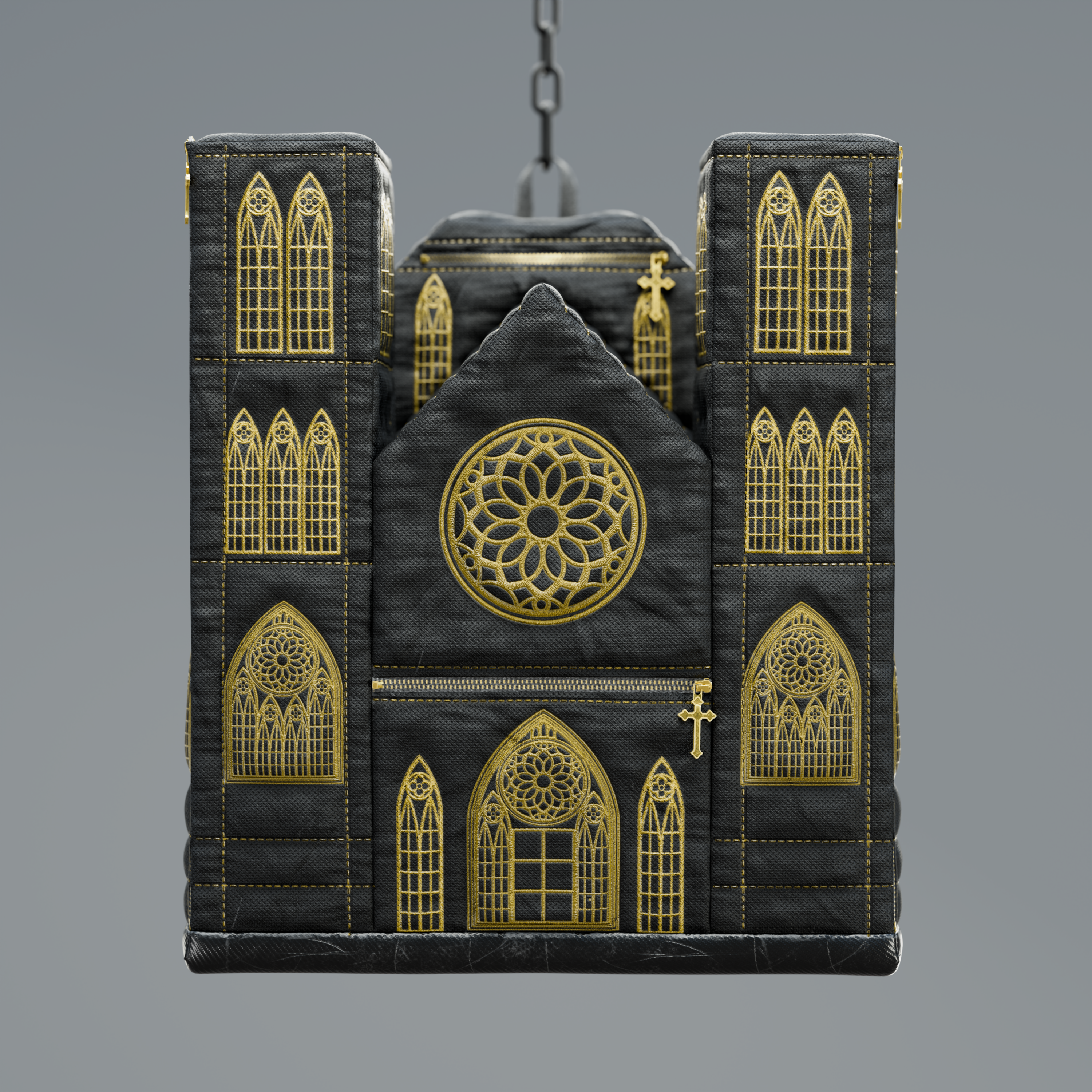 I chose these two projects because I wanted to showcase the diverse range of what is possible with the software.
Tell us how Marvelous Designer creates value in this project.
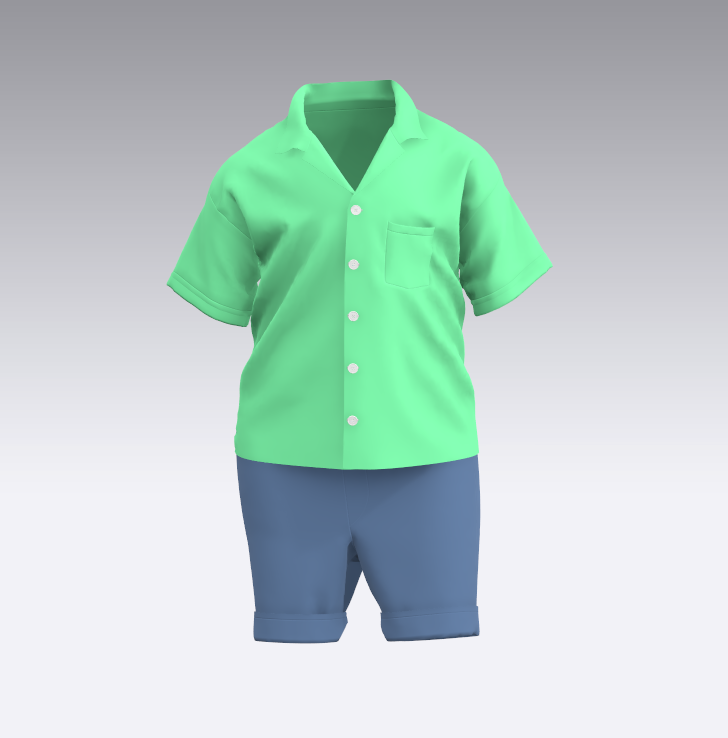
For the first project, I mainly used Marvelous Designer for the character's outfit, but also for environmental assets like the bean bag chair and the rug.
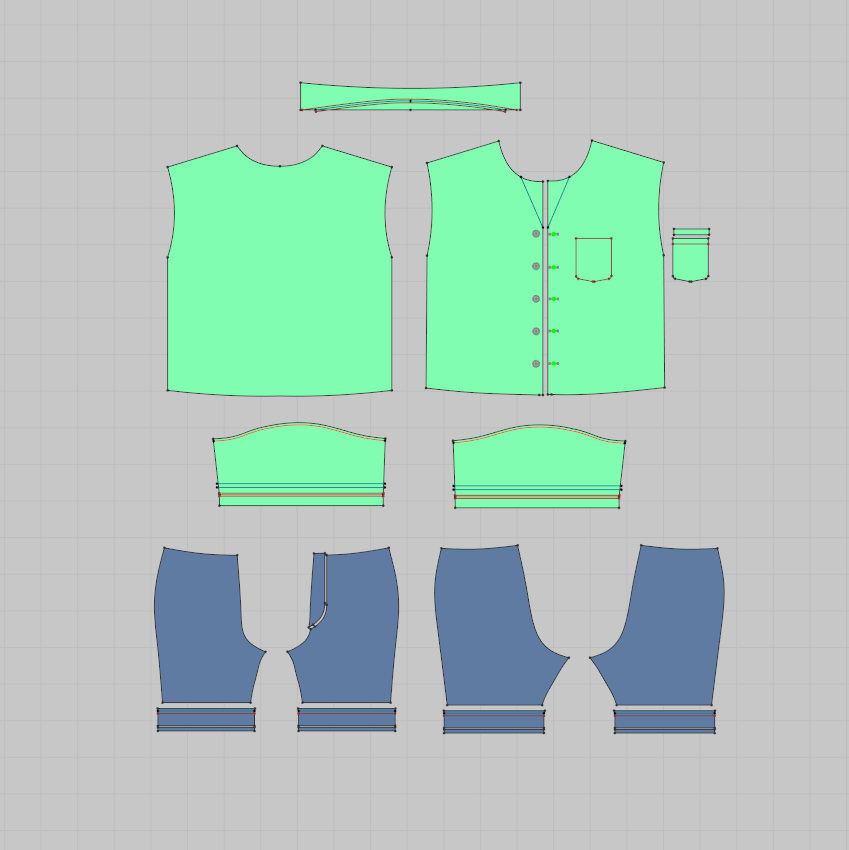
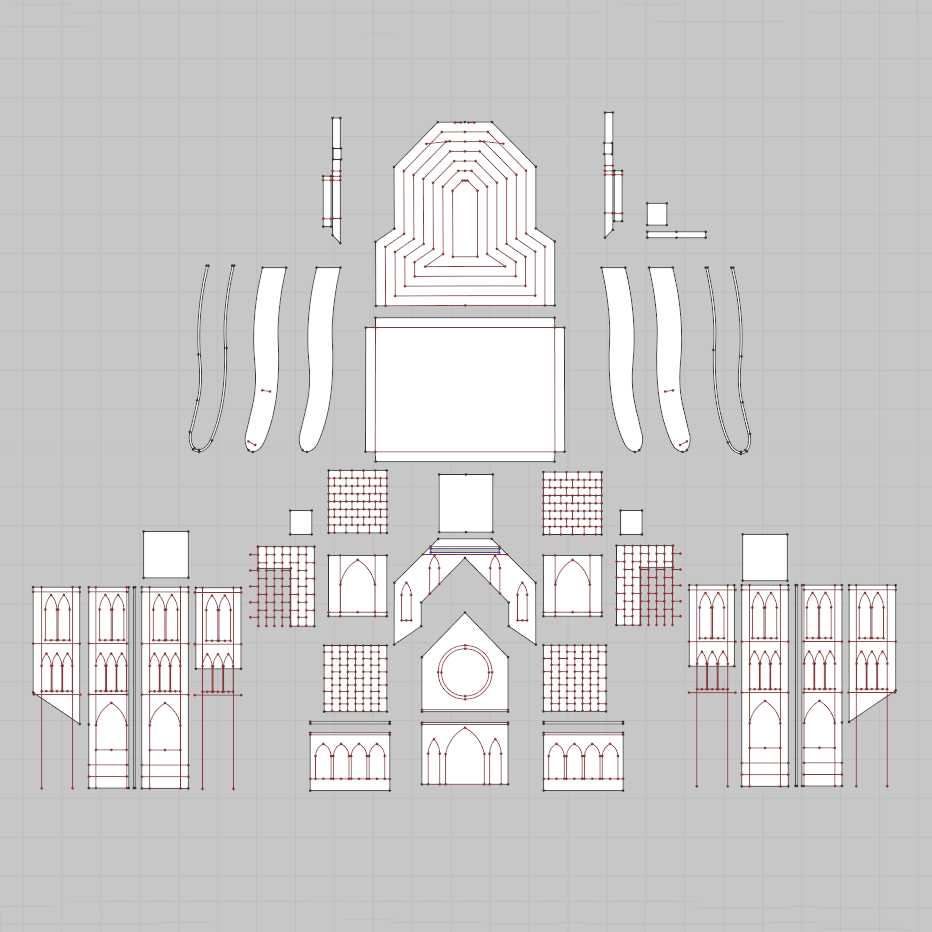
For the backpack, I created the original base mesh in Blender and used its UV map as the foundation for the sewing pattern within Marvelous Designer.
 For both projects, I did the texturing in Substance Painter and handled the final rendering in Blender using Cycles.
What is your favorite feature or tool to use in Marvelous Designer?
My favorite feature is how fast the cloth simulation is compared to most other 3D software, as well as how intuitive and user-friendly the UI is.
One of my favorite tool is the option to import meshes as garments.
Lately, I've been doing more interior and archviz-related work, so I'm planning to use this feature more for furniture, cushions, and curtains.
For other users considering Marvelous Designer, do you have any advice or experience to share?
Once you go through some basic tutorials and get familiar with the interface, I think the best approach is to immediately start creating pieces you are personally passionate about.
From there, you can level up by studying real-world sewing patterns, utilizing base garments, and looking up asset libraries like the CLO-SET CONNECT store for reference materials.
Marvelous Designer로 이와 같은 3D 의상·캐릭터 작업을 직접 만들어볼 수 있습니다.